
A Twitter bio font is a Unicode style, such as 𝗯𝗼𝗹𝗱, 𝘪𝘵𝘢𝘭𝘪𝘤, 𝓈𝒸𝓇𝒾𝓅𝓉 or ꜱᴍᴀʟʟ ᴄᴀᴘꜱ, that you paste into your X name, bio or posts so they stand out. This guide covers which styles work in each part of your profile, how they affect the character limit and which ones to avoid. Make your own with the free Twitter Font Generator, or see how to change font on X for Premium formatting and text size.
Free X accounts don’t have a bold button. Only X Premium adds bold and italic buttons to posts, and nobody gets formatting for their name or bio. And yet you’ve scrolled past posts with bold hooks and cursive display names all the time. Here’s how that actually works.
Quick answer: those posts aren’t using a “Twitter font.” They’re using Unicode characters — symbols built into every device — that look bold, italic, or cursive, typed in place of regular letters. A Twitter X font generator does the swapping for you: type normal text, get styled Unicode text back, copy and paste it into your post, bio, or display name.
Try it now with the Twitter X Font Generator — 16 styles, live preview, free.
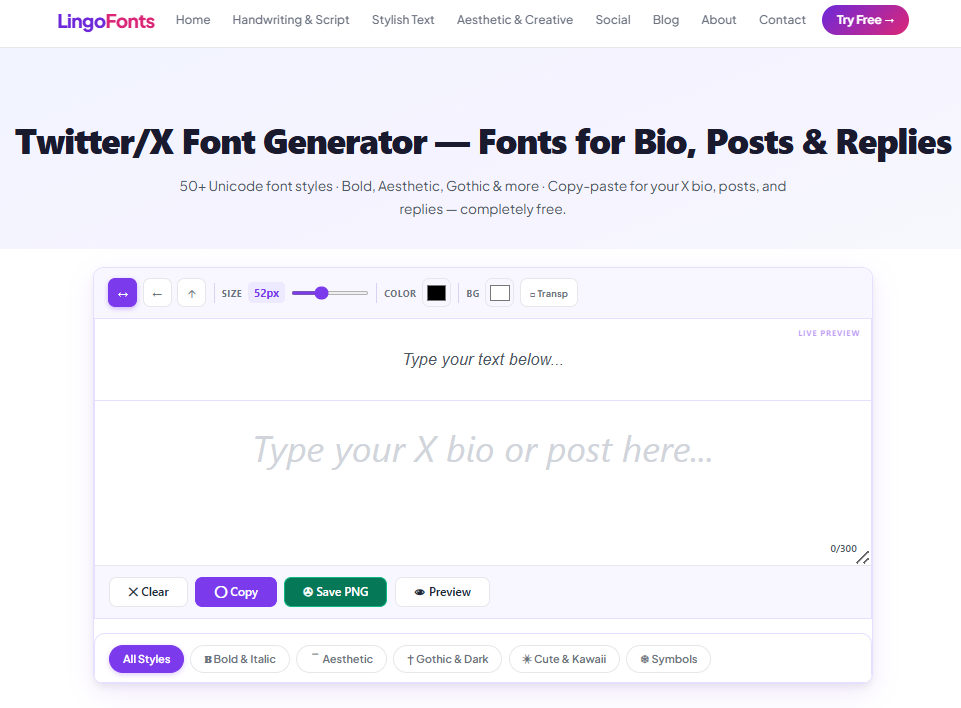
Twitter X Font Generator’s layout
What Is a Twitter Bio Font?
It converts plain text into styled Unicode look-alike text. Type “launch day” and select Bold, and you get 𝗹𝗮𝘂𝗻𝗰𝗵 𝗱𝗮𝘆 — not formatted text, but an entirely different set of characters that every X client already knows how to render. That’s why it works with zero setup: X isn’t applying a font, it’s just displaying characters, the same as any emoji.
How Styled Text Interacts With X’s Character Limit
This is the part most generator pages either skip or get vague about, so here’s the direct answer: X counts each Unicode character as one character toward your limit, whether it’s plain or styled. A bold “hello” (𝗵𝗲𝗹𝗹𝗼) still counts as 5 characters, same as plain “hello.” You’re not gaining or losing space by styling text.
What does change is how that text behaves for other people and other systems:
- Screen readers announce styled Unicode characters by their technical Unicode name, not the letter they resemble — a script “hello” can be read aloud as a string of “mathematical script small” characters instead of the word itself. Keep body copy in plain text if accessibility matters to your audience, and reserve styling for short headline words.
- Hashtags need plain characters. A styled
#𝗹𝗮𝘂𝗻𝗰𝗵won’t be recognized as a clickable hashtag — X’s hashtag parser only matches standard Unicode letters and numbers. - Search doesn’t match across styles. Someone searching “launch” won’t find a post that only contains 𝗹𝗮𝘂𝗻𝗰𝗵. Keep your important keywords in plain text somewhere in the post.
How to Add a Fancy Font to Your Twitter Bio
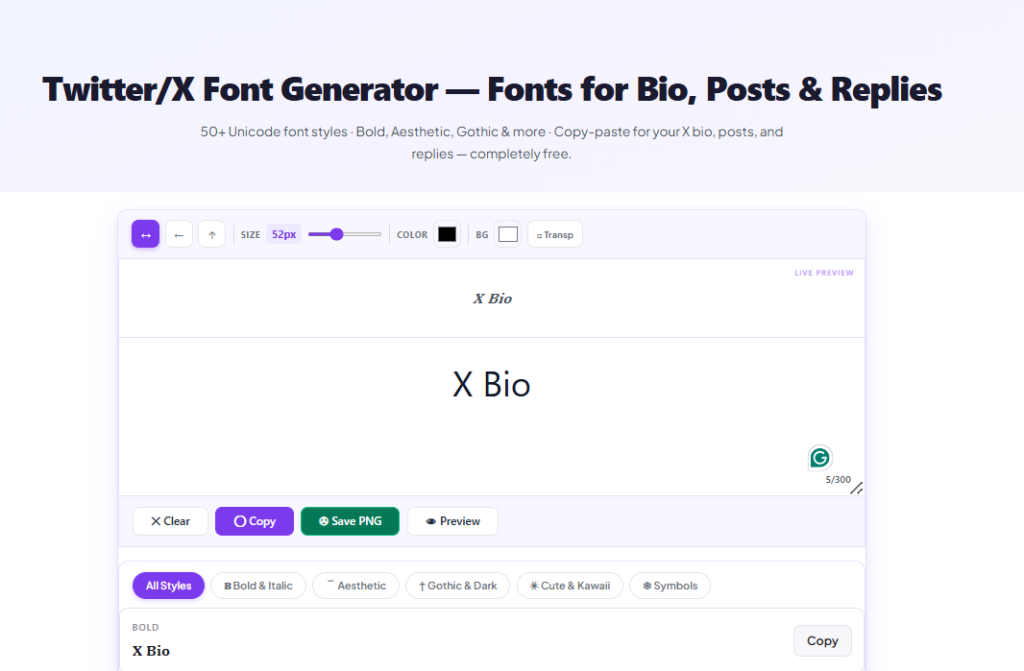
- Type your text into the input box.
- Every style updates live.
- Click Copy on the style you want.
- Paste it into your post, bio, or display name.
Best Styles for Different Parts of Your Profile
- Bold — the most practical choice for X. Use it to make a hook or headline word stand out in a crowded timeline without losing readability.
- Italic — subtler emphasis, good for a subtitle line in your bio or a quoted phrase.
- Small Caps — reads as clean and professional; a common choice for bio taglines.
- Script/Cursive — memorable for display names, but avoid it for anything longer than a few words — it gets genuinely harder to read at length.
- Strikethrough — useful for the “well actually” correction format that’s common in reply culture, without needing to delete and repost.
Where Styled Text Works — and Where It Doesn’t
| Field | Works? |
|---|---|
| Post/tweet text | Yes |
| Replies and quote posts | Yes |
| Bio | Yes |
| Display name | Yes |
Handle (@username) | No — X restricts handles to letters, numbers, and underscores |
| Hashtags | No — won’t register as a clickable hashtag |
Common Mistakes to Avoid
Styling an entire post. A fully bold or fully script tweet is harder to read than plain text and can come across as trying too hard. The strongest use is a single styled word or short headline phrase, with the rest of the post in normal text.
Styling your handle. Like Discord’s username, X’s @handle only accepts standard characters — style your display name instead, which sits above your handle and accepts full Unicode.
Forgetting about screen readers. If your account talks to a broad audience, keep the substance of your posts in plain text and use styled Unicode only for visual emphasis, not for conveying information that needs to be heard correctly by assistive technology.
Assuming engagement numbers you can’t verify. You’ll see claims online that fancy fonts boost retweets or likes by a fixed percentage — treat those with skepticism; there’s no independently verifiable source behind numbers like that, and results vary enormously by account and content. Use styled text because it improves scannability, not because of an unverified stat.
Font styles available in Twitter X Font Generator

Using fancy fonts elsewhere? Our Discord font guide and TikTok font guide cover what works on each platform.
Twitter Bio Font FAQs
Best Fonts to Use When Posting on Twitter for Maximum Engagement
For Twitter/X, clean and readable fonts work best for engagement. Use bold, cursive, or stylish Unicode text sparingly to highlight important words, names, or short phrases while keeping the main post easy to read.
Does styled text count differently toward the 280-character limit?
No. Every styled Unicode character still counts as one character, same as plain text.
Can I use a stylish font in my X display name?
Yes — your display name (not your @handle) accepts full Unicode, including every style this generator produces.
Will fancy text break if someone quotes or retweets my post?
No. The styled characters are standard Unicode, so they carry over exactly as-is through quotes, retweets, and even screenshots-to-text tools.
Is styled Twitter/X text accessible to screen readers?
Not fully — screen readers read styled Unicode by its technical character name, not the letter it resembles. Use it for short emphasis, not for full sentences your audience needs to hear correctly.
Can I use fancy fonts in hashtags?
No. X’s hashtag parser only recognizes standard Unicode letters and numbers — a styled hashtag won’t become clickable.
Try It Now
Style your next post, bio, or display name with the Twitter X Font Generator — free, instant, no sign-up.
Active on other platforms too? Check out the Discord Text Generator for gaming and community servers, or browse the Cursive Text Generator for more elegant script styles.