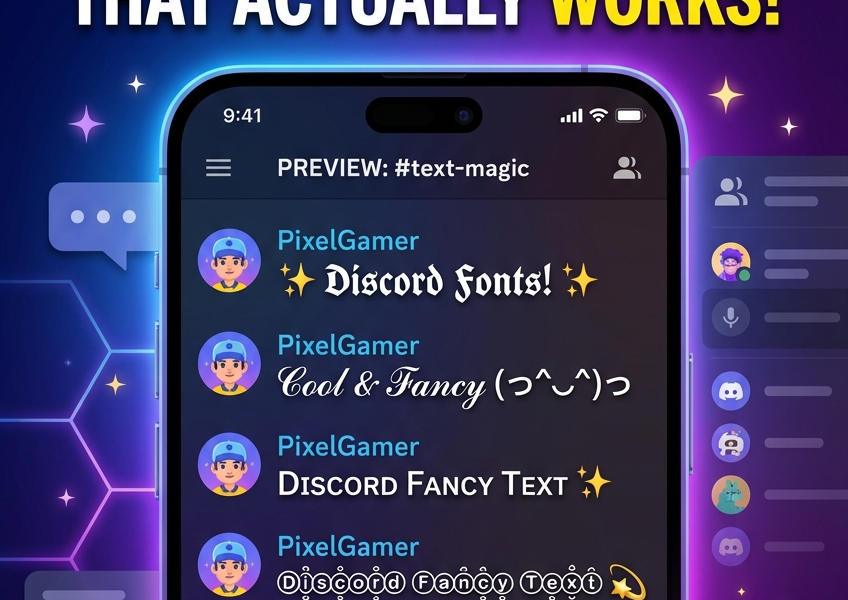
How to change font on Discord: Discord has no font picker, so there are two real options. To change how your text looks to everyone, paste Unicode fancy text such as 𝔇𝔞𝔯𝔨𝔏𝔬𝔯𝔡 or ᴄᴏᴍᴍᴜɴɪᴛʏ ʟᴇᴀᴅ into your display name, server nickname, About Me or messages, made with our free Discord Font Generator. To change how text looks only on your own screen, open User Settings, then Appearance, and adjust Chat Font Scaling.
Discord doesn’t let you upload a font. There’s no settings menu for it, no Nitro perk that unlocks one. But you’ve definitely seen names like 𝔇𝔞𝔯𝔨𝔏𝔬𝔯𝔡 or ᴄᴏᴍᴍᴜɴɪᴛʏ ʟᴇᴀᴅ in servers you’re in — so how does that work?
Quick answer: those aren’t fonts. They’re Unicode characters — a set of symbols built into every device — that happen to look bold, gothic, or bubbled. A Discord font generator swaps your regular letters for these look-alike characters, and you copy and paste the result straight into Discord. No app, no Nitro subscription, no plugin.
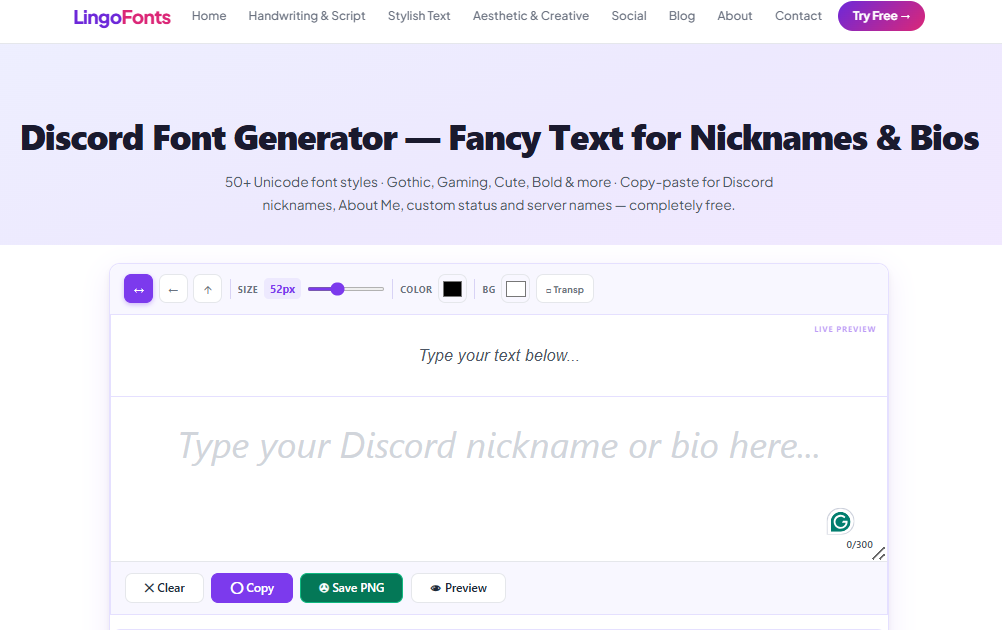
Type your text into the Discord Font Generator and you’ll get 16 ready-to-copy styles instantly.
Can You Change the Font on Discord?
It’s a tool that converts plain text into styled Unicode text. When you type “hello” and pick Bold, you’re not applying formatting — you’re getting a completely different set of characters (𝗵𝗲𝗹𝗹𝗼) that every Discord client, on every device, already knows how to display. That’s why it works without installing anything: Discord isn’t rendering a font, it’s just showing you characters that exist in the Unicode standard.
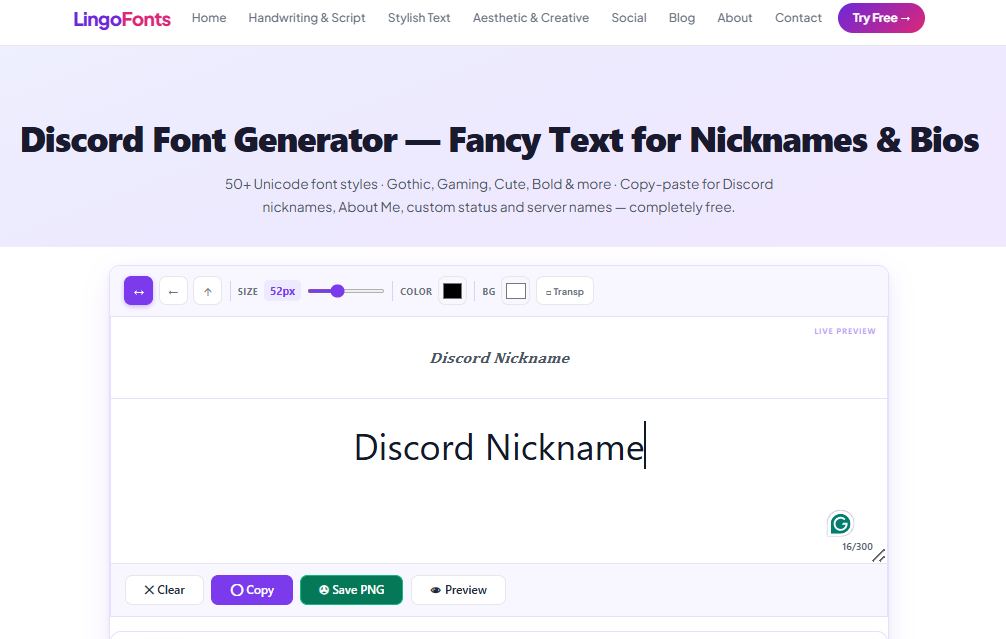
Discord Font Generator’s layout
The One Thing Most Discord Font Guides Skip
Here’s the question that actually trips people up, and most generator pages don’t explain it clearly: why does a styled name save in one place and get rejected in another?
Since Discord retired the old four-digit discriminator system, every account has two separate names, with two separate rulebooks:
- Your username (the
@handleused for friend requests and mentions) — restricted to lowercase letters, numbers, underscores, and periods. No exceptions. Paste a styled font here and Discord will reject it outright. - Your display name (what people actually see in servers, the member list, and your profile) — accepts full Unicode. This is where fonts work.
That’s the whole trick. If your fancy font “isn’t working,” you’re almost certainly pasting it into the username field instead of the display name field.
Where Fancy Fonts Work on Discord
| Field | Accepts Unicode fonts? |
|---|---|
Username (@handle) | No — plain letters/numbers only |
| Display name | Yes |
| Server nickname | Yes |
| Server name | Yes |
| Channel name | Partially — Discord strips some special characters and all spaces |
| Role name | Yes |
| About Me / bio | Yes |
| Messages | Yes (but see the note on Markdown below) |
Styling a whole server? Channel names follow their own rules: spaces turn into hyphens and plain capitals are lowercased. See our guide to Discord channel name fonts for the 10 styles that survive and how to keep channels findable.
How to Change Font on Discord, Step by Step
- Type your text into the input box.
- Every style updates live as you type.
- Click any style to copy it.
- Paste it into your display name, server nickname, or About Me — not your username.
Best Discord Font Styles (and When to Use Them)
- Bold & Sans Bold — the most reliable choice. Reads cleanly at Discord’s small member-list font size and displays identically across devices.
- Gothic (Fraktur) — the classic “serious gamer” look. Comes from the Mathematical Fraktur Unicode block, popular in gaming clans and RPG/fantasy servers. Try it in the gothic text generator.
- Small Caps — compact and clean, good for status text and short bios.
- Bubble & Squared — playful, circled or boxed letters — good for short tags, not full sentences.
- Strikethrough & Underline — useful for chat emphasis, though Discord’s built-in Markdown (
~~text~~,__text__) does the same thing in messages without the readability cost. See the full Discord text formatting cheat sheet for every code.
If you only take one tip from this guide: use Bold or Small Caps for anything you want other people to actually read at a glance. Save Gothic, Bubble, and the more decorative styles for short, one-off flourishes.
How to Make Discord Text Bigger or Smaller
Fancy text changes the characters; font scaling changes the size of everything you read. It only affects your own screen.
- Open User Settings (the gear icon next to your name).
- Go to Appearance.
- Move the Chat Font Scaling slider. Discord also offers a Zoom Level slider on desktop.
For bold, italic, underline and spoiler formatting in messages, see the Discord text formatting cheat sheet. For profile inspiration, see our Discord bio ideas.
Common Mistakes to Avoid
Styling your username instead of your display name. Covered above — it’s the single most common reason a “Discord font generator isn’t working.”
Assuming a styled name is searchable. Discord’s search matches plain text. If your display name is 𝓑𝓵𝓾𝓮 𝓙𝓪𝔂, a friend searching “Blue Jay” may not find you instantly, since styled Unicode characters aren’t treated as equivalent to their plain-text counterparts. If being found easily matters, keep your username plain (it already has to be) and only style the display name.
Over-styling long text. Gothic or bubble text in a full sentence is genuinely harder to read, and a small number of older Android devices don’t render every Unicode block correctly — some rare styles show up as blank boxes. Bold, Italic, and Small Caps have the widest device support.
Confusing Markdown with Unicode fonts. In messages only, Discord has real formatting: **bold**, *italic*, ~~strikethrough~~, `code`. That’s different from Unicode font styling — Markdown only works in the message box, and it only works for you (recipients see rendered formatting, not special characters). Unicode fonts work everywhere text fields exist, including names and bios where Markdown does nothing.
Font styles available in Discord Font Generator

Using the same style on other platforms? Our TikTok font guide and Twitter/X font guide cover the limits and tips for each one.
Discord Font FAQs
Can I use fancy fonts in my Discord username?
No. Your @username only accepts lowercase letters, numbers, underscores, and periods. Style your display name or server nickname instead — those are the names people actually see.
Why isn’t my styled Discord name saving?
You’re most likely pasting into the username field. Go to User Settings → Profiles → Display Name (not username) and paste there.
Do I need Discord Nitro for fancy fonts?
No. Every Unicode-styled character is available to every account for free. Nitro unlocks animated avatars and emoji, higher upload limits, and server boosts — none of it affects which text characters you can use.
Is using a Discord font generator against the rules?
No. You’re using standard Unicode characters that Discord fully supports — this isn’t a workaround or exploit, just text.
Why does my Discord font look like boxes on some devices?
A small number of older devices, mostly very old Android versions, don’t render every Unicode range. Bold, Italic, Sans Bold, and Small Caps have the broadest support if that happens to someone in your server.
Try It Now
Ready to style your name, nickname, or bio? Head to the Discord Font Generator — 16 styles, instant copy, completely free.
For more Unicode styles beyond Discord’s use cases, try the Bold Text Generator or the Aesthetic Font Generator. And if you’re active on X as well, check out the Twitter/X Text Generator for platform-specific tips there.