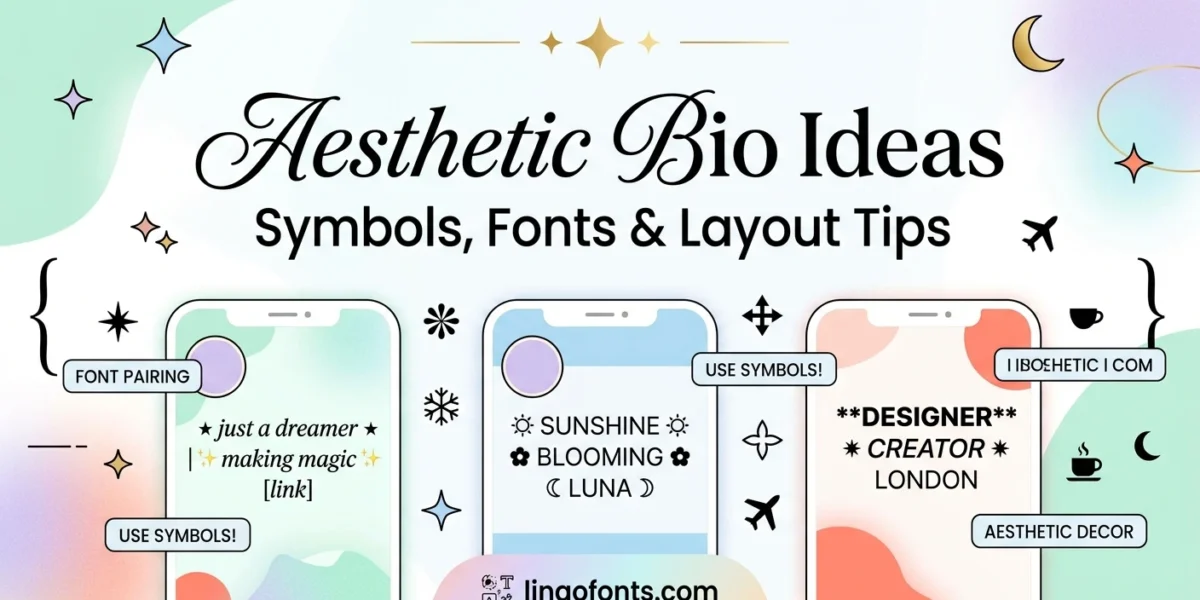
An “aesthetic” bio isn’t about cramming in more — it’s about a few well-chosen elements working together: a stylized name, one or two symbols used consistently, and enough white space that the whole thing reads cleanly instead of looking cluttered. Here’s how to actually build an aesthetic bio, with real copy-paste symbols and the exact character limits you’re working with.
The Three Building Blocks of an Aesthetic Bio
- A styled name or title — run it through the Aesthetic Font Generator to turn your plain name into a stylized version
- Dividers and symbols — small Unicode characters that separate sections or add a consistent visual signature
- Line breaks and spacing — the thing most bios get wrong; empty lines cost characters but make everything easier to actually read
Aesthetic Bio Symbols & Dividers You Can Copy
Sparkles & stars: ✧ ⋆ ✦ ✩ ☆ ★ ⭑ ⭒
Hearts & florals: ♡ ❀ ✿ ❁ ☙
Dividers: ⋆。゚✩ · 。°✩ · ⸙͎ · ˚₊• · 𓂃
Arrows & brackets: ➶ ➴ ➵ · 「 」 · 『 』
Want more? Browse 250+ aesthetic symbols sorted by type, with ready-made dividers and kaomoji.
Pick one or two symbol families for your aesthetic bio and stay consistent — a bio using sparkles, hearts, arrows, and brackets all at once reads as cluttered rather than curated. The aesthetic bios that actually look intentional repeat the same 2–3 symbols throughout.
A Simple Aesthetic Bio Layout That Works
Most aesthetic bio ideas follow the same basic shape, just with different symbols:
✧ [Stylized Name] ✧
[One-line tagline or vibe]
˚ ᵕ ˚ [interests, separated by dots]
➶ [link, if you have one]
Notice the structure: name on top, one line of context, a short interest list, link last. Each line has one job. That’s what makes an aesthetic bio scannable in the two seconds someone actually spends reading it.
Character Limits by Platform
- Instagram: 150 characters, including spaces and line breaks
- TikTok: 80 characters — the tightest of the three, so every symbol counts
- Discord (About Me): 190 characters, the same limit whether or not you have Nitro
Write your TikTok aesthetic bio version first. If a bio fits in 80 characters, it’ll fit everywhere else too — going the other direction means cutting content you’ve already gotten attached to.
Common Aesthetic Bio Mistakes to Avoid
The most common mistake with aesthetic bio ideas is treating the stylized Unicode name as searchable text — it isn’t. Platform search bars generally can’t match a stylized display name against a normal-text search, so if people need to find your account by name, keep your actual username in plain text and save the stylized version for your display name or bio only. The second mistake is symbol overload: three or four different decorative families in one aesthetic bio reads as noise, not style. The third is skipping line breaks entirely to save characters — a bio that’s technically shorter but unreadable as one dense block doesn’t actually perform better.
Aesthetic Bio Ideas by Vibe
Different aesthetics call for different symbol choices. A few real starting points:
- Soft / pastel: pair rounded symbols like ◥ ˚ ♡ with a script-style name from the Cursive Generator for a gentle, muted look
- Dark / moody: gothic or blackletter styles from the Fancy Text Generator paired with sparse dividers read as intentional rather than cluttered
- Y2K / cybercore: brackets, arrows, and bold sans styles from the Bold Text Generator pair well with sharp, geometric symbols
- Minimal: skip decorative fonts entirely and lean on spacing and a single divider — restraint is its own aesthetic
The common thread across every one of these aesthetic bio ideas is restraint: pick a vibe, pick symbols that match it, and stop there. Mixing pastel hearts with gothic blackletter in the same bio undoes the effect of either.
Example Bios by Purpose
Vibe is only half of a good bio. The other half is what the bio needs to do. Here are layouts for common situations, each keeping the important words in plain text:
- Creator: ✦ 𝓈𝓁ℴ𝓌 𝓁𝒾𝓋𝒾𝓃ℊ ✦
Film photographer · Lisbon
New posts every Sunday ↓ - Small business: 𝐇𝐚𝐧𝐝𝐦𝐚𝐝𝐞 𝐜𝐚𝐧𝐝𝐥𝐞𝐬
Soy wax · small batches
Orders via the link below ✉ - Student: ⋆ biology student ⋆ coffee & notes ⋆
Study tips + desk setups - Gamer: ꧁ 𝙉𝙞𝙜𝙝𝙩𝙊𝙬𝙡 ꧂
Streams Tue/Thu · Ranked grind
Notice the pattern: the styled text is a short label at the top, and the details that matter (what you do, where you are, what to click) stay plain. These examples are templates; swap in your own details rather than copying them as they are.
Will Fancy Fonts Hurt How People Find You?
They can. Styled letters are separate Unicode characters, not normal letters in a different font, so someone searching for “photographer” will not match “𝓅𝒽ℴ𝓉ℴℊ𝓇𝒶𝓅𝒽ℯ𝓇”. On most platforms, the name and username are what search looks at, so that is where plain text matters most.
- Keep your username plain. Most platforms only allow standard letters, numbers, and a few symbols there anyway.
- In your display name, put the word people would search for in plain text, and add styling or symbols around it.
- Use styled fonts freely in the bio body, where they decorate without affecting how people find you.
Keep It Readable for Everyone
Screen readers, which many people with visual impairments rely on, can read styled characters by their technical names or skip them, and a long row of symbols can turn into a string of meaningless words. A few habits keep your bio accessible without losing the aesthetic:
- Style a short phrase, not your whole bio.
- Use one or two dividers instead of long symbol strings.
- Do not put essential information, like a business email or booking instructions, in styled text.
For broader guidance on writing accessible text, the WebAIM project publishes practical, free resources.
Build Your Aesthetic Bio
Head to the Aesthetic Font Generator to style your name or tagline, then copy the aesthetic bio symbols above to finish the layout — no signup, no login, just copy and paste.
For more bio styles, try the Instagram Font Generator, and see how to change your font on Instagram for where each style works.