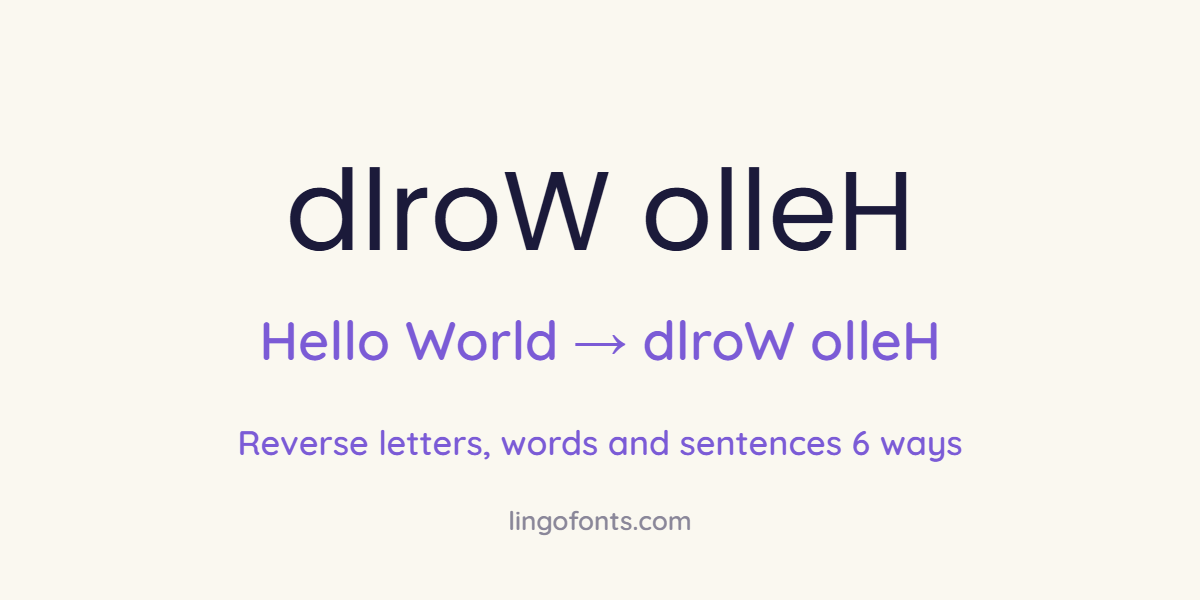
Reverse text is text whose characters run in the opposite order, so “Hello World” becomes “dlroW olleH”. The letters themselves are not flipped; only their order changes. You can reverse letters, reverse the order of words, or reverse each word in place. The quickest way is the Reverse Text mode in our free Mirror Text Generator; below are five more methods for spreadsheets and code.
Three Kinds of Reversed Text
| Type | What changes | Hello World becomes |
|---|---|---|
| Reverse letters | The whole string runs backwards | dlroW olleH |
| Reverse word order | Words swap places, letters stay | World Hello |
| Reverse each word | Each word runs backwards in place | olleH dlroW |
Reversed text is not the same as mirror or upside down text. Mirror text also swaps each letter for a flipped lookalike (ollɘH), and upside down text rotates every letter (plɹoM ollǝH). See how to mirror text and the Upside Down Text Generator for those.
1. Reverse Text Online (Any Device)
- Open the Mirror Text Generator.
- Choose the Reverse Text mode.
- Type or paste your text. The reversed version appears instantly.
- Click Copy and paste it anywhere: chats, captions, puzzles or documents.
Because reversed text uses normal letters, it works everywhere and never shows as boxes, unlike fancy Unicode styles.
2. Reverse Text in Excel
In Excel for Microsoft 365 or Excel 2021 and later, put your text in A1 and use this formula:
=TEXTJOIN("",TRUE,MID(A1,SEQUENCE(LEN(A1),,LEN(A1),-1),1))SEQUENCE counts from the last character down to the first, MID pulls out each character, and TEXTJOIN glues them back together. Older Excel versions do not have SEQUENCE, so use the online tool or a short VBA macro instead.
3. Reverse Text in Google Sheets
=JOIN("",ARRAYFORMULA(MID(A1,LEN(A1)-SEQUENCE(LEN(A1))+1,1)))4. Reverse Text in Python
text = "Hello World"
print(text[::-1])                      # dlroW olleH
print(" ".join(text.split()[::-1]))    # World Hello
print(" ".join(w[::-1] for w in text.split()))  # olleH dlroW
5. Reverse Text in JavaScript
const text = "Hello World";
[...text].reverse().join("");          // "dlroW olleH"
text.split(" ").reverse().join(" ");   // "World Hello"
Use the spread syntax ([…text]) rather than text.split(“”), so characters outside the Basic Multilingual Plane, such as many emoji and fancy letters, are not broken in half. For text with combining accents or emoji sequences, split by grapheme with Intl.Segmenter before reversing.
6. Write It Backwards by Hand
For handwritten puzzles or escape-room clues, write the word normally on scrap paper, then copy it letter by letter starting from the end. For true mirror writing, where every letter faces the other way as Leonardo da Vinci wrote in his notebooks, see our guide to mirror writing.
Why Reversing Text Sometimes Goes Wrong
- Accents move: an é typed as e + a separate accent mark can end up on the wrong letter when reversed naively. See why accented letters break in fancy text.
- Emoji break: family and flag emoji are built from several characters joined together, so reversing them character by character produces separate pieces.
- Right-to-left scripts: Arabic and Hebrew already display right to left, so reversing them often produces unreadable text rather than a fun effect.
Fun Uses for Reverse Text
- Palindromes: words and phrases that read the same reversed, such as racecar, level, kayak and “A man, a plan, a canal: Panama” (ignoring spaces and punctuation).
- Puzzles and treasure hunts: reversed clues are easy to decode but slow down a quick glance.
- Social posts: a reversed caption makes followers stop and read twice.
- Spoiler protection: reverse a spoiler so it is not read by accident.
Reversed: !emosewa si txet esreveR
Palindrome: racecar → racecar
Word order: words these Reverse → Reverse these words
For letter-by-letter mirrored characters such as Я and Ǝ, see our backwards letters chart.
Frequently Asked Questions
How do I reverse text?
Paste it into the Mirror Text Generator and choose Reverse Text mode, or use a formula in Excel or Google Sheets, or text[::-1] in Python.
What is the difference between reverse text and mirror text?
Reverse text changes only the order of the letters. Mirror text also replaces each letter with a flipped lookalike so it reads correctly in a mirror.
How do I reverse text in Excel?
In Excel 365 or 2021, use =TEXTJOIN(“”,TRUE,MID(A1,SEQUENCE(LEN(A1),,LEN(A1),-1),1)) with your text in A1.
How do I reverse the order of words?
Split the sentence into words and reverse the list. In Python: ” “.join(text.split()[::-1]).
Does reversed text work on Instagram and WhatsApp?
Yes. Reversed text uses normal letters, so it pastes and displays correctly in every app.
What is a palindrome?
A word or phrase that reads the same forwards and reversed, such as racecar or level.