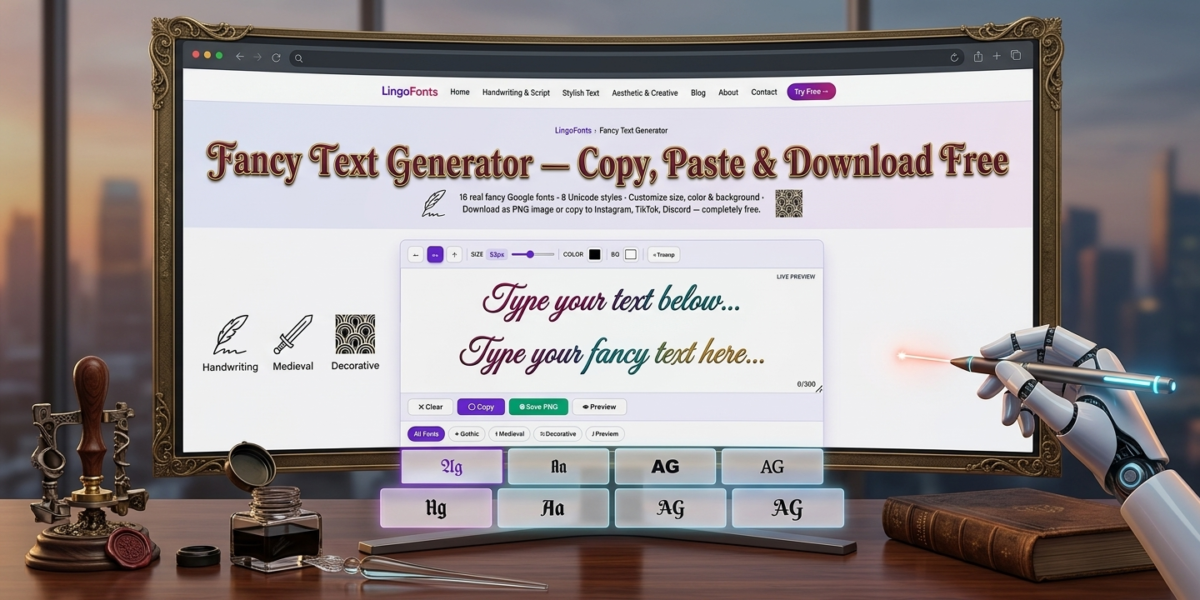
Fancy letters are stylised Unicode characters, such as 𝕱𝖆𝖓𝖈𝖞, 𝓕𝓪𝓷𝓬𝔂, Ⓕⓐⓝⓒⓨ and ꜰᴀɴᴄʏ, that look like special fonts but paste as ordinary text into Instagram, TikTok, Discord, WhatsApp and games. Below are the most popular fancy letter styles to copy, how they work, where they show up and the mistakes to avoid. To turn your own words into any style, use the free Fancy Text Generator.
What Are Fancy Letters?
A fancy letters tool converts ordinary letters into stylized Unicode characters — bold, cursive, bubble, gothic, strikethrough, and dozens of other styles — that you can copy and paste anywhere. Unlike real fonts, these characters aren’t loaded from a font file. Each symbol comes from a different block in the Unicode standard, which is why fancy text displays correctly on almost any platform, from Instagram bios to Discord usernames, without installing anything.
This matters because most apps don’t let you upload custom fonts. A fancy text generator sidesteps that limit entirely: you’re not changing the font, you’re swapping each letter for a different Unicode character that happens to look stylized.
How Fancy Letters Work
Every character you type on a keyboard maps to a standard Unicode code point — the plain Latin alphabet lives in a small, well-known range. But Unicode also defines entire alternate alphabets for mathematical notation, historic scripts, and symbol sets. The Mathematical Alphanumeric Symbols block, for example, contains bold, italic, script, and double-struck versions of every letter, originally intended for writing equations.
A fancy text generator works by mapping each letter you type to its equivalent character in one of these alternate blocks. Type “hello,” and the tool looks up the bold, cursive, or bubble version of each letter and outputs the styled string — which is still just text, so it pastes cleanly into any text field that supports Unicode.
Fancy Letter Styles to Copy and Paste
- Bold Unicode text — 𝐛𝐨𝐥𝐝 letters that stand out in bios and captions
- Bold italic — 𝙗𝙤𝙡𝙙 𝙞𝙩𝙖𝙡𝙞𝙘 for emphasis without changing your app’s font
- Script and cursive styles — flowing, handwritten-look Unicode letters
- Bubble and circled text — letters enclosed in circles, popular for usernames
- Square and boxed text — blocky, boxed letterforms
- Strikethrough and underline — text with a line through or beneath it
- Small caps — uniform small capital letters for a clean, formal look
- Upside-down text — flipped characters for novelty use
- Gothic and fraktur — old-style blackletter characters, which you can make in the Gothic Text Generator.
- Double-struck (outline) text — hollow, outlined letterforms
Each of these draws from a different Unicode range, and a good generator lets you preview several at once so you can pick the one that fits your platform.
Where People Use Fancy Text
Instagram bios and captions. A styled name or tagline helps a profile stand out in a feed of plain text, and it’s one of the few places Instagram allows visual variety without an image.
Discord usernames and channel names. Server owners often use bold or small-caps Unicode text to organize channel categories at a glance.
TikTok and Twitter/X profiles. Fancy text draws attention in a bio line and is commonly paired with symbols or emoji.
Usernames on gaming platforms. Many games render Unicode correctly even when they block custom fonts, making fancy text one of the only ways to stand out in a player list.
Document headers and presentations. Bold or small-caps Unicode text can substitute for real formatting in plain-text fields that don’t support rich text, like some form inputs or chat tools.
How to Make Fancy Letters
- Type or paste your plain text into the input box.
- Browse the generated style previews.
- Click the style you want to copy it to your clipboard.
- Paste the styled text into your bio, caption, username, or message.
No sign-up, download, or font installation is required, since the output is standard Unicode text rather than an image or a custom font file.
Fancy Text vs. Real Fonts: What’s the Difference?
A real font changes how existing characters are drawn — the underlying letter “A” stays the same character, just rendered differently. Fancy text generators instead give you a different character that already looks stylized, regardless of which font the app uses to display it.
This is why fancy text works in places where you can’t upload or select a font — the styling is baked into the character itself. The trade-off is a smaller character set: some symbols, punctuation, or non-Latin letters may not have a styled Unicode equivalent, so they’ll often fall back to plain text.
Common Mistakes to Avoid
Using too many styles in one line. Mixing five different fancy fonts in a single bio looks cluttered rather than eye-catching. Stick to one or two styles for readability.
Assuming every platform renders Unicode identically. Most modern apps display fancy text correctly, but a small number of older systems or specific fonts may show empty boxes for certain characters. Test in the target app before finalizing.
Overusing fancy text in places meant for search. Search engines and some platforms treat stylized Unicode characters as different from their plain equivalents, which can hurt discoverability if used in searchable titles or hashtags.
Confusing fancy text with accessibility features. Screen readers often struggle to pronounce Unicode-styled characters correctly, so fancy text isn’t a substitute for real semantic formatting in accessible content.
Every style in this guide is available in the Fancy Text Generator. If some of them look like empty boxes on your device, read why fancy text looks like boxes.
Frequently Asked Questions
Is a fancy text generator free to use?
Yes. Fancy text generators convert standard Unicode characters, which are freely available to any platform — there’s no licensing cost involved, unlike custom font files.
Will fancy text work on every app?
Most modern apps and operating systems support Unicode and will display fancy text correctly. A small number of older or highly restrictive platforms may not render every character.
Does fancy text count as a different font?
No. It’s the same font your device already uses — just different Unicode characters that happen to look stylized. No font installation or upload happens.
Can I use fancy text in a resume or professional document?
It’s generally best avoided. Fancy text can break copy-paste formatting, confuse applicant tracking systems, and isn’t reliably readable by screen readers.
Why do some fancy text characters show as boxes?
That happens when the app or device you’re pasting into doesn’t have a font installed that includes that specific Unicode character. It’s rare with common styles like bold or italic but more common with rarer scripts.
Related tools: Cursive Generator · Calligraphy Font Generator · Aesthetic Font Generator · Bold Text Generator