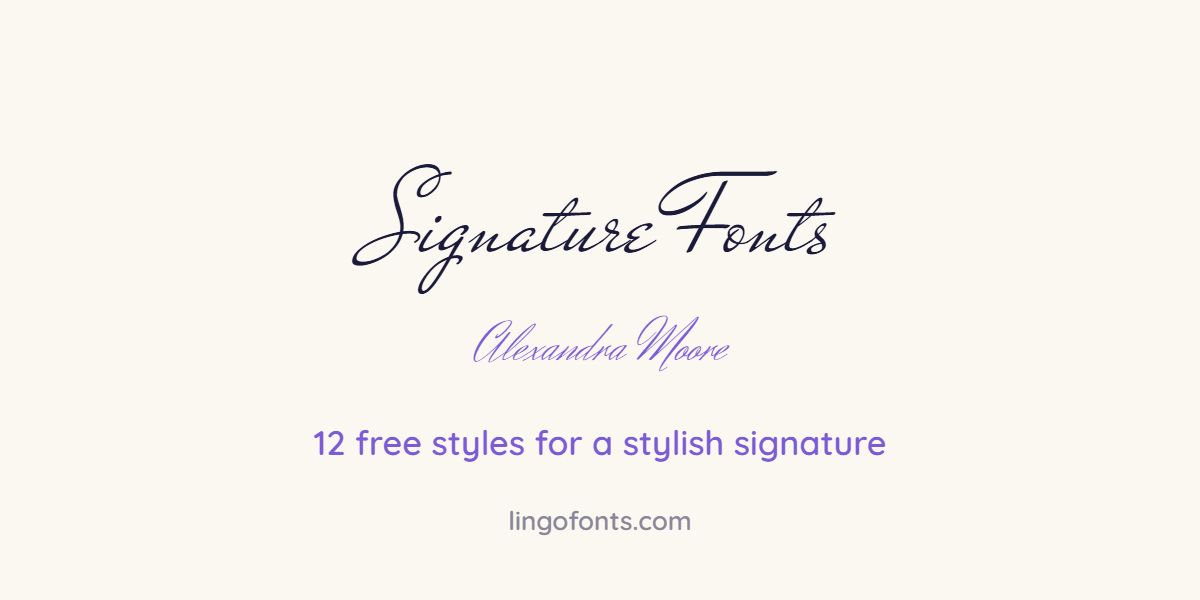
Signature fonts are script typefaces that imitate a real handwritten signature: fast strokes, a strong first capital and letters that run together. They are useful for email sign-offs, logos, certificates and for planning how you want to sign by hand. Below are 12 free signature fonts grouped by style, a five-step method for designing your own signature, and how to export it as a transparent image. To preview your own name in calligraphy styles straight away, use the free Calligraphy Name Generator.
12 Free Signature Fonts by Style
All twelve are free on Google Fonts under open-source licences, so you can use them for personal and commercial work.
Fast autograph scripts
These look like a real pen moving quickly. They suit personal brands, photographers and creators.
| Font | What it looks like | Best for |
|---|---|---|
| Mr De Haviland | Narrow, quick, slightly messy | Autograph-style logos |
| Herr Von Muellerhoff | Tall, steeply slanted strokes | Artist and photographer marks |
| La Belle Aurore | Natural, uneven handwriting | Personal notes, casual sign-offs |
| Ruthie | Light with long loops | Boutique and beauty brands |
Elegant calligraphy signatures
Formal, high-contrast scripts with confident capitals. Good for certificates, invitations and premium brands.
| Font | What it looks like | Best for |
|---|---|---|
| Mrs Saint Delafield | Flamboyant capitals, fine hairlines | Certificates and awards |
| Monsieur La Doulaise | Ornate, swirling capitals | Luxury brands and invitations |
| Pinyon Script | Classic copperplate shapes | Formal stationery |
| Rouge Script | Bold, smooth connections | Fashion and lifestyle logos |
Clean, readable signatures
Easy to read at small sizes, which matters for email signatures and app profiles.
| Font | What it looks like | Best for |
|---|---|---|
| Allura | Smooth and balanced | Email signatures |
| Alex Brush | Soft brush strokes | Wedding and event names |
| Italianno | Thin and graceful | Minimal branding |
| Sacramento | Light monoline script | Website headers and favicons |
How to Design Your Own Signature in 5 Steps
- Decide what it includes. Full name, initials plus surname, or first name only. Shorter signatures are easier to repeat consistently.
- Choose one dominant capital. Most memorable signatures make the first letter of the first or last name large, then let the rest flow smaller.
- Pick a slant and keep it. A forward slant reads as fast and confident. Upright reads as calm and formal.
- Add one finishing stroke. An underline, a long exit stroke or a crossed letter makes it distinctive. One is enough.
- Repeat it 20 times. A signature only works if you can reproduce it. Keep the version that comes out the same every time.
Need inspiration? Type your name into the calligraphy name generator and compare eight calligraphy styles side by side, then copy the shape you like by hand.
Signature Styles to Copy and Paste
For a username, bio or email display name, paste Unicode script letters instead of a font:
𝒜𝓁ℯ𝓍𝒶𝓃𝒹𝓇𝒶 ℳℴℴ𝓇ℯ
𝓐𝓵𝓮𝔁𝓪𝓷𝓭𝓻𝓪 𝓜𝓸𝓸𝓻𝓮
𝓐. 𝓜𝓸𝓸𝓻𝓮
𝒜𝓁ℯ𝓍𝒶𝓃𝒹𝓇𝒶 ✍
Replace the sample with your own name in the Calligraphy Name Generator, or use the Cursive Text Generator for 40 more script styles.
How to Make a Transparent Signature Image
- Write your signature in black ink on plain white paper, or style it with a font in the generator.
- For a handwritten signature, photograph or scan it in good light and crop tightly.
- For a font signature, choose the font, set the colour to black or dark blue and turn on the transparent background before you save the PNG.
- Insert the PNG into your email signature, a PDF or a document. A transparent background lets it sit on any colour without a white box.
Whether a typed or image signature is accepted on a legal document depends on the document and where you live. Our calligraphy name guide covers what to check before you use a stylised name on official paperwork.
Tips for a Signature That Looks Professional
- Keep it legible enough that your first initial and surname can be recognised.
- Use dark blue or black. Bright colours look less formal and may not print well.
- Size matters: in email signatures, an image about 200 to 300 pixels wide is usually enough.
- Do not mix two script fonts. Pair a signature font with a plain sans-serif for your job title and contact details.
Frequently Asked Questions
What is the best font for a signature?
For a natural autograph look, Mr De Haviland and Herr Von Muellerhoff are popular free choices. For a formal signature, try Mrs Saint Delafield or Pinyon Script. For email, Allura is easy to read at small sizes.
Can I use a signature font for free?
Yes. All 12 fonts in this list are free on Google Fonts under open-source licences that allow personal and commercial use.
How do I create a signature online?
Type your name into the Calligraphy Name Generator, compare the styles, then download a transparent PNG or copy the Unicode text for social profiles.
Should my signature be in cursive?
It does not have to be. Many signatures use print letters or initials. What matters most is that you can repeat it the same way every time.
How do I add a signature to an email?
Save your signature as a transparent PNG, then upload it in your email app’s signature settings, usually under Settings, then Signature.
Can I copy and paste a signature into Instagram?
You can paste Unicode script text, such as your name in cursive letters, into your Instagram name or bio. Fonts themselves cannot be pasted.